Watch UZZU on Android TV, Smart TV, or Android TV Box
Updated Nov 12, 2026
Watch UZZU on Android TV, Smart TV, or Android TV Box
Through the UZZU Max app
Step 1 – Open the Google Play Store
From your Android TV, Android Smart TV, or Android TV Box home screen, open the Google Play Store.
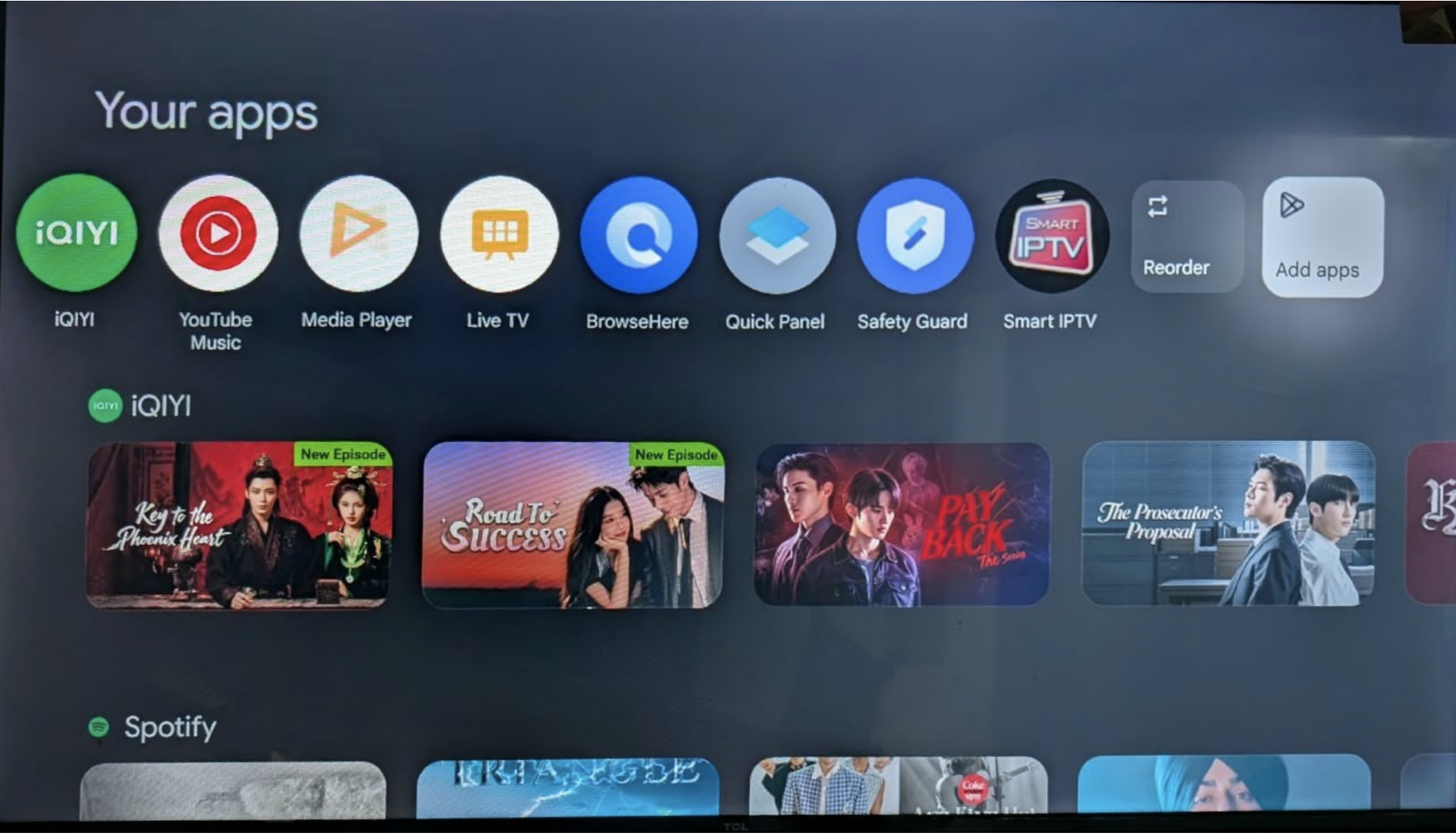
Step 2 – Search for UZZU Max
In the Google Play Store, select Search and search for UZZU Max.
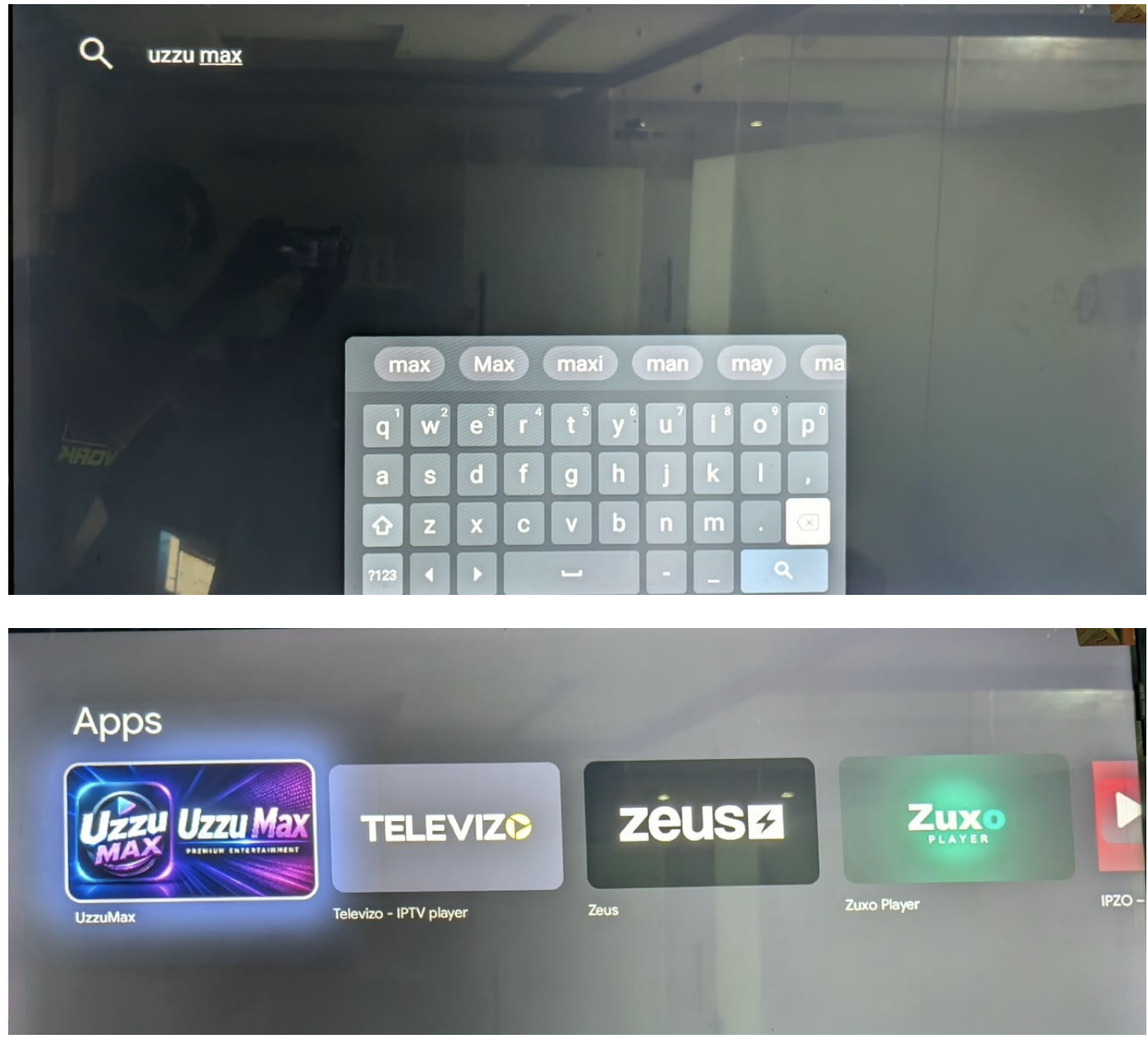
Step 3 – Install UZZU Max
Select UZZU Max from the search results and select Install.
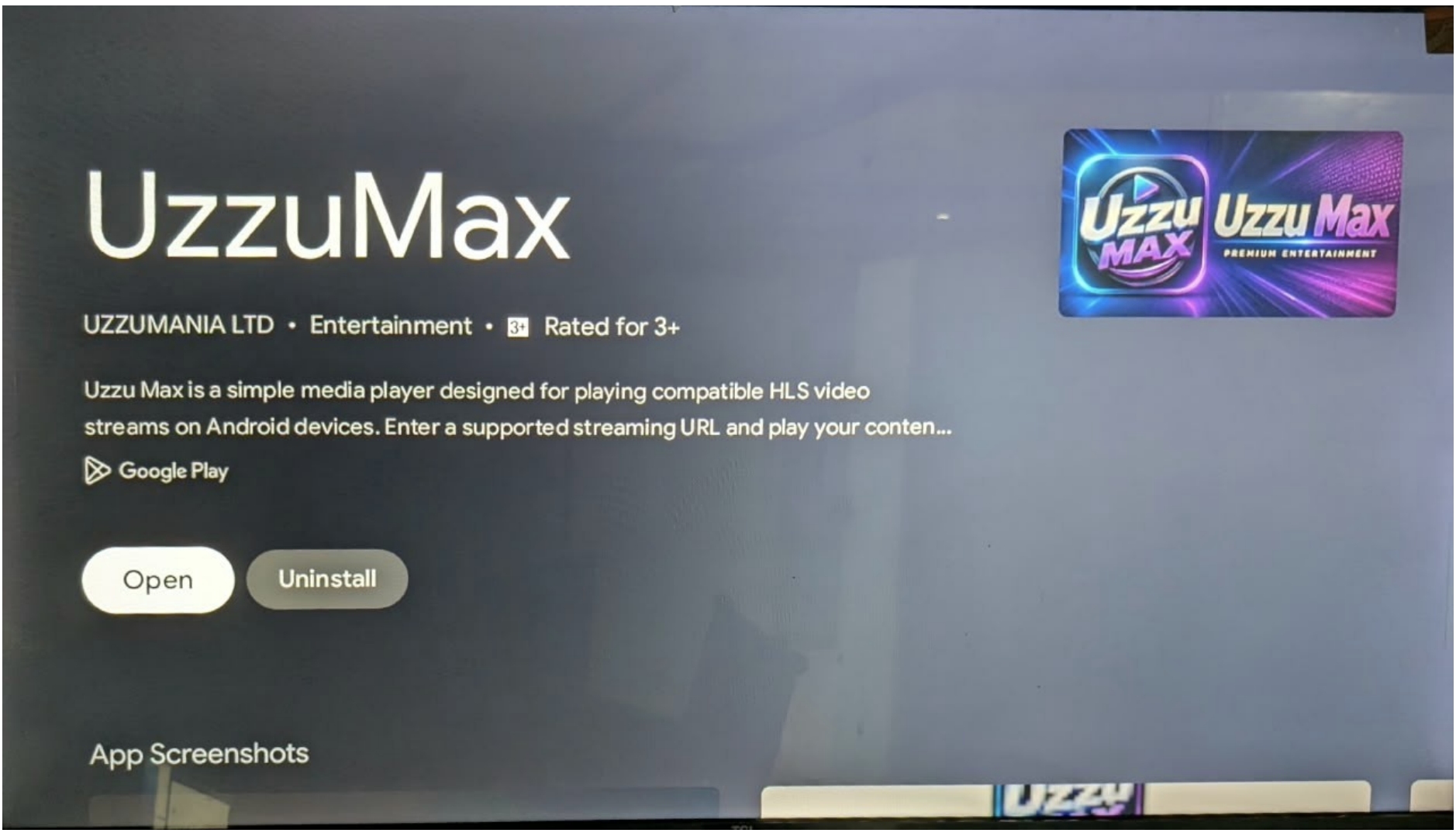
Once the installation is complete, open the UZZU Max app.
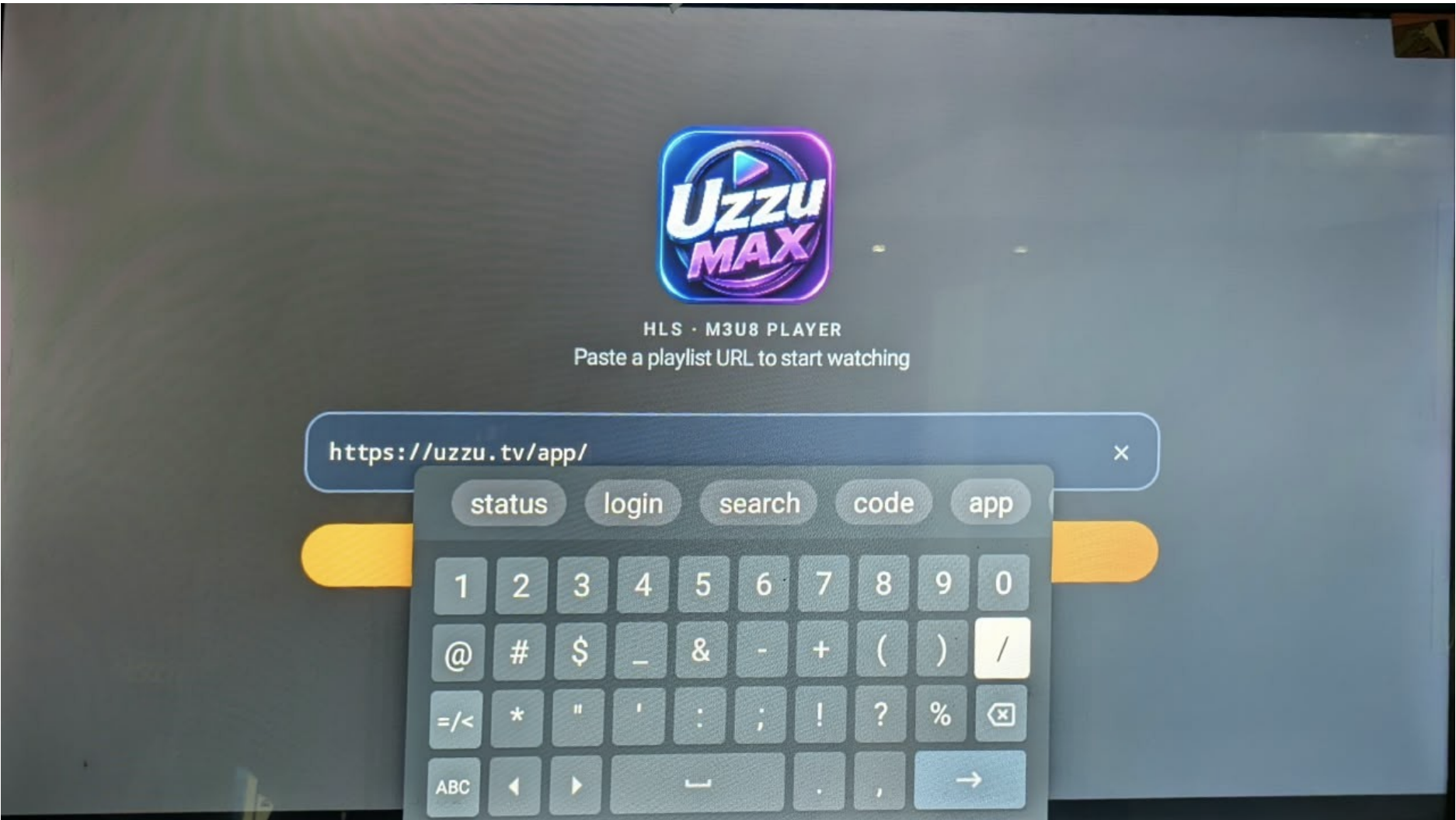
Step 4 – Enter Your Login URL
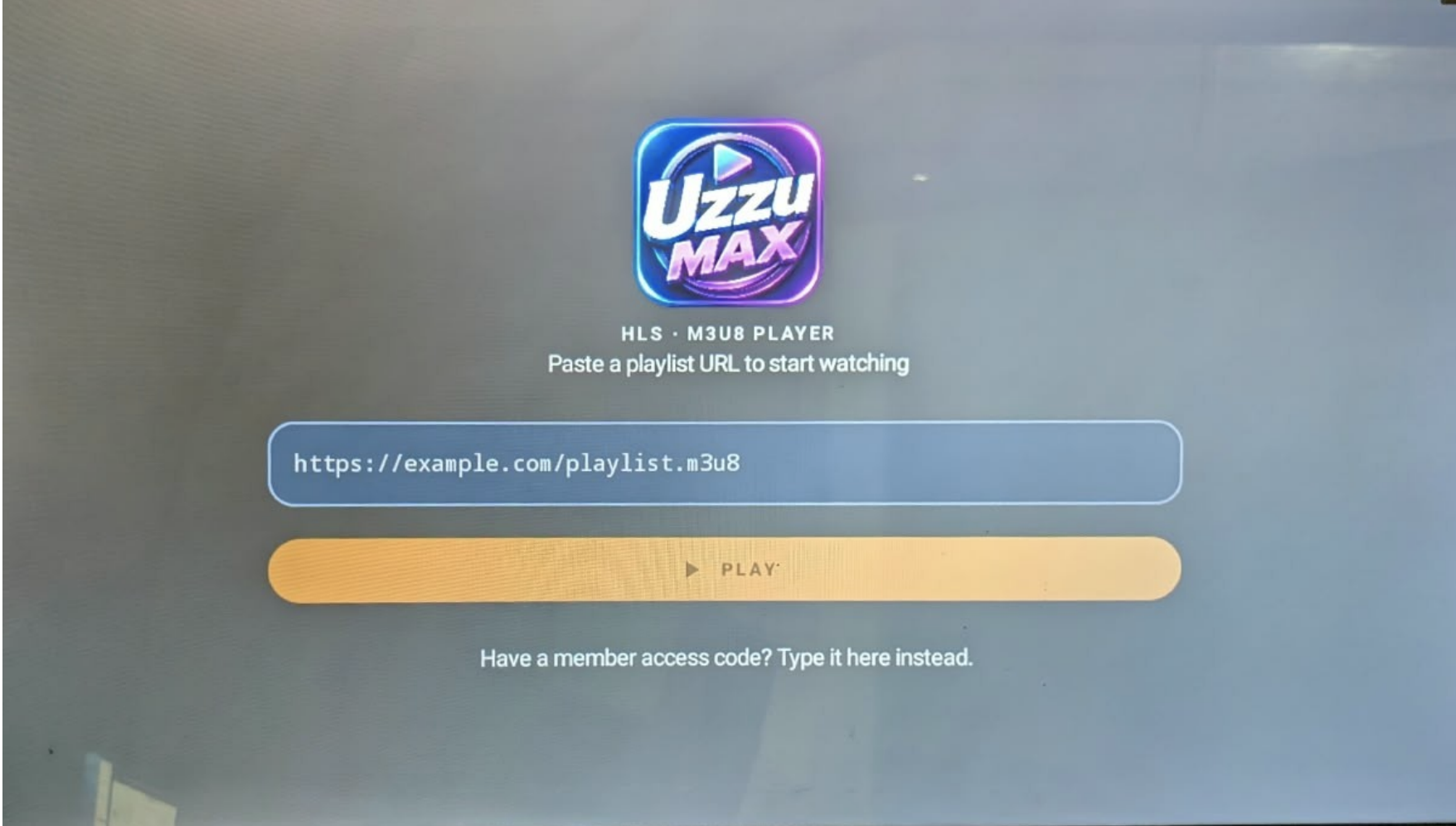
When you open the UZZU Max app, you will be prompted to enter a Login URL. Enter the following URL:
https://uzzu.tv/app/your_email_address
Replace your_email_address with the email address associated with your UZZU account.
For example, if your account email is example@email.com, your Login URL would be: https://uzzu.tv/app/example@email.com
Step 5 – Log In
After entering the Login URL, select OK or Next on your device. The app will process the URL and log you into your UZZU account.
Step 6 – Start Watching
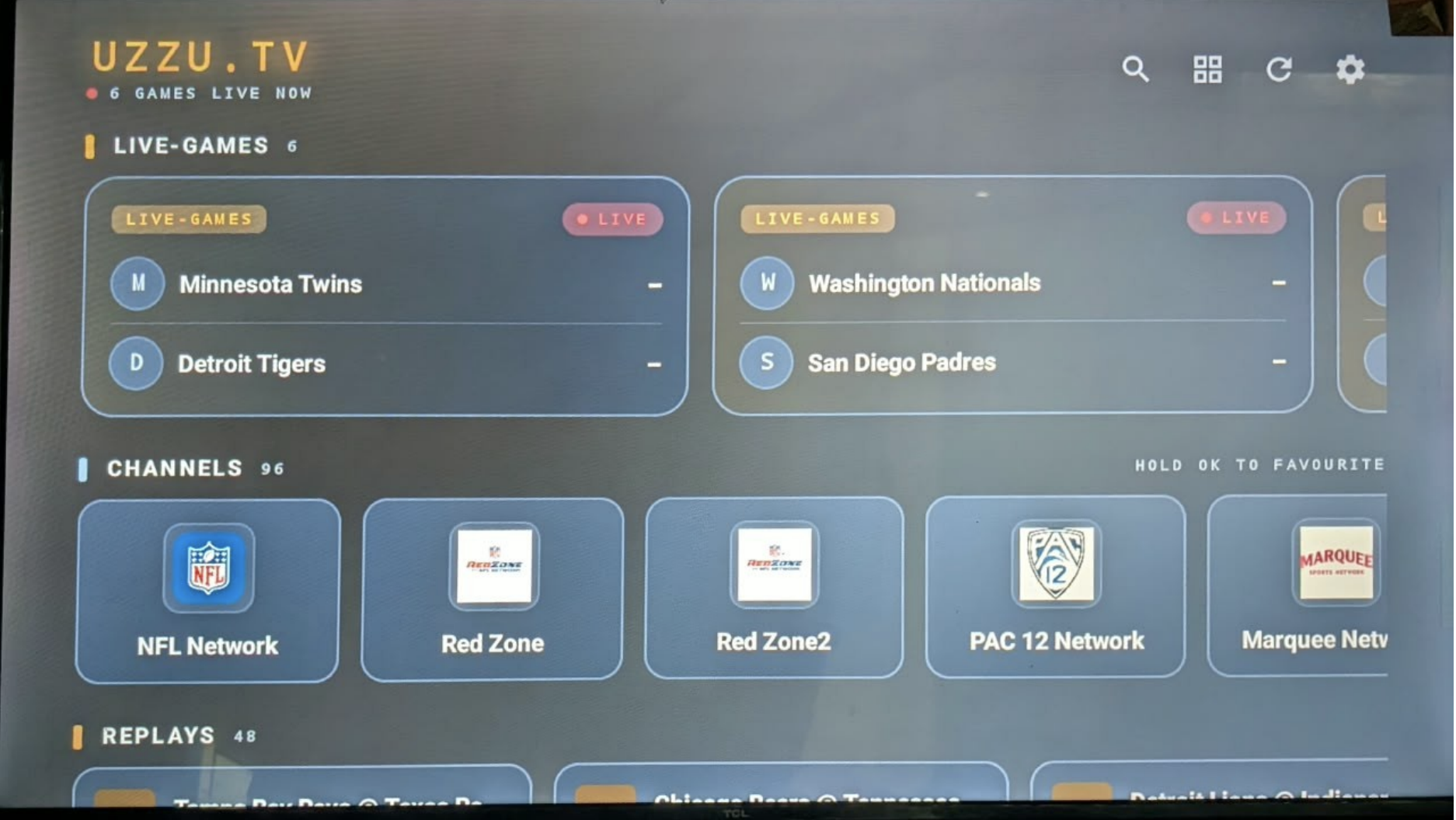
Once the login is successful, you will have access to UZZU through the UZZU Max app.
Did this solve it?
Talk to a human